Move your portfolio into a new era.
Every project from your current site, rebuilt as a site you own in a few minutes. Change anything with AI. Your files, your domain, no subscription.
A new era of sites made with AI.
You made the project with Claude, and now your site lives there too. A new case study is a request away. Then you upload.
Your Figma frames and your exports from Procreate, Photoshop or Illustrator go into the same folder, and Claude builds the case study around them.
Your portfolio grows at the pace of your work, not once a year.
In the studio, whichever way you choose, Change with AI rewrites a project into a case study.
Then publish: drag your folder onto your host, or, with Go live with us, publish from the studio in one click.
your-site
- You ask
“Turn last month's app redesign into a case study, from our Claude chats.”
- Claude follows
.claude/skills/extract-from-claude-historyFinds the problem, the decisions, the before and after.
- You get
projects/app-redesign/A new page in the style of your site, added to your home page.
- Then
Upload the folder to your host, and the case study is live.
You didn't stop working. The site just stopped keeping up.
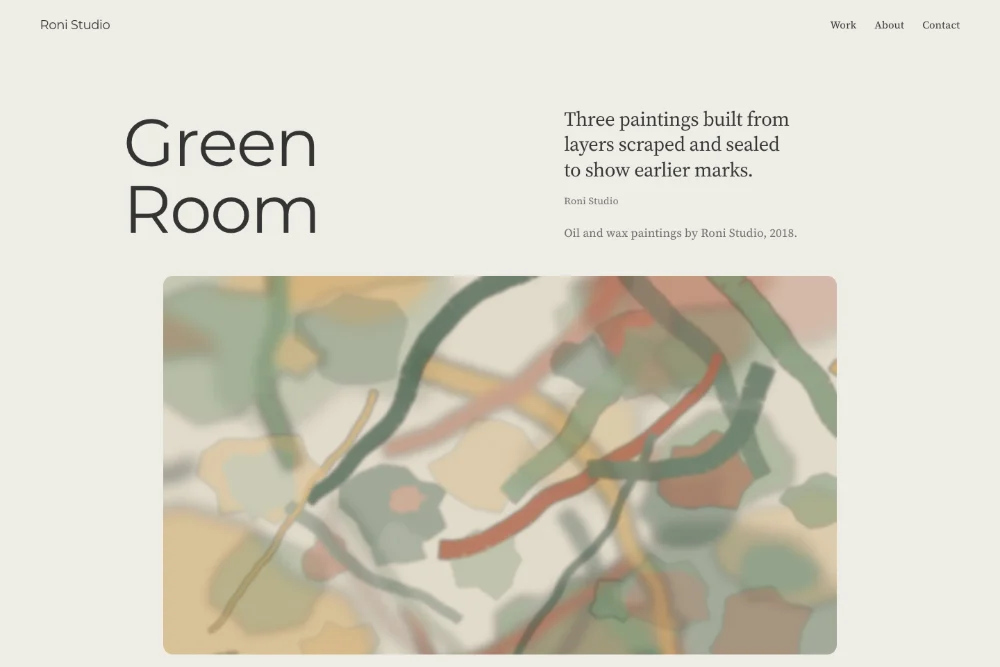
Roni Studio is an example site, run through Promtfolio like any other link. Yours arrives the same way. The look is only where it starts: ask for any change, and the site follows.
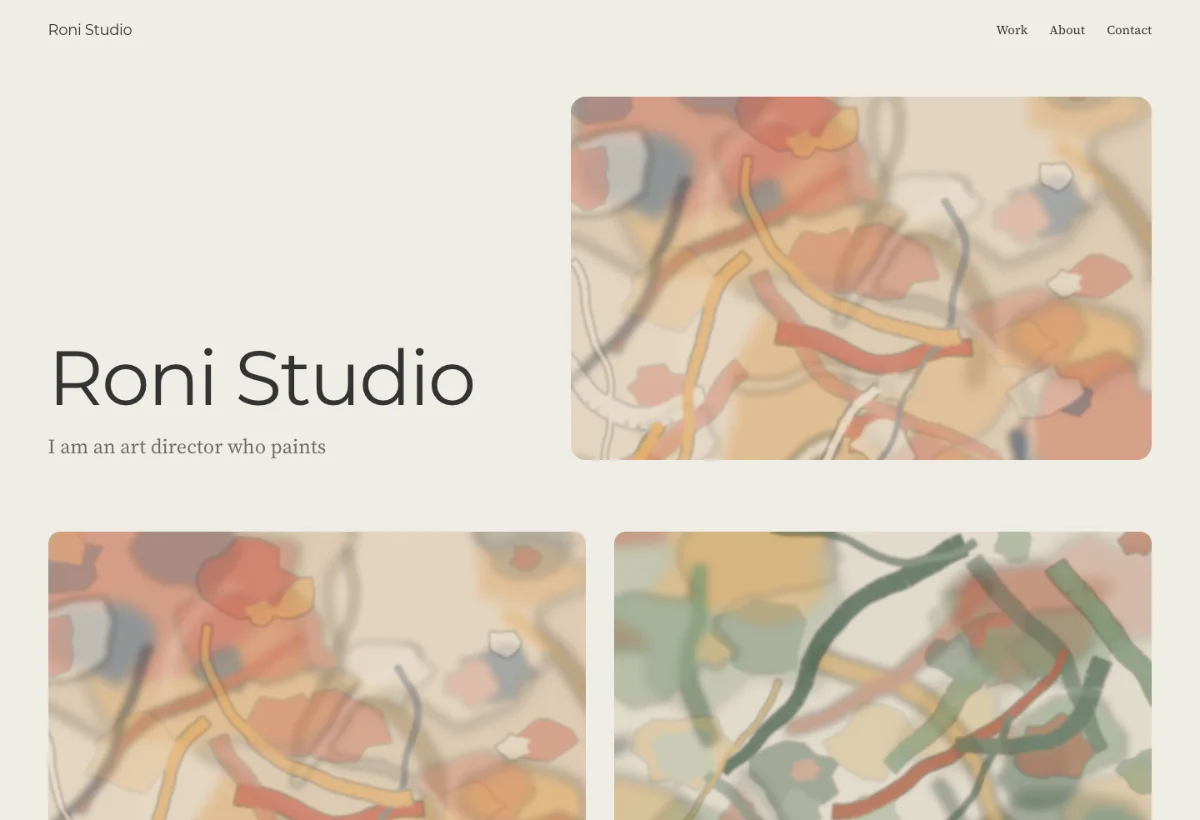
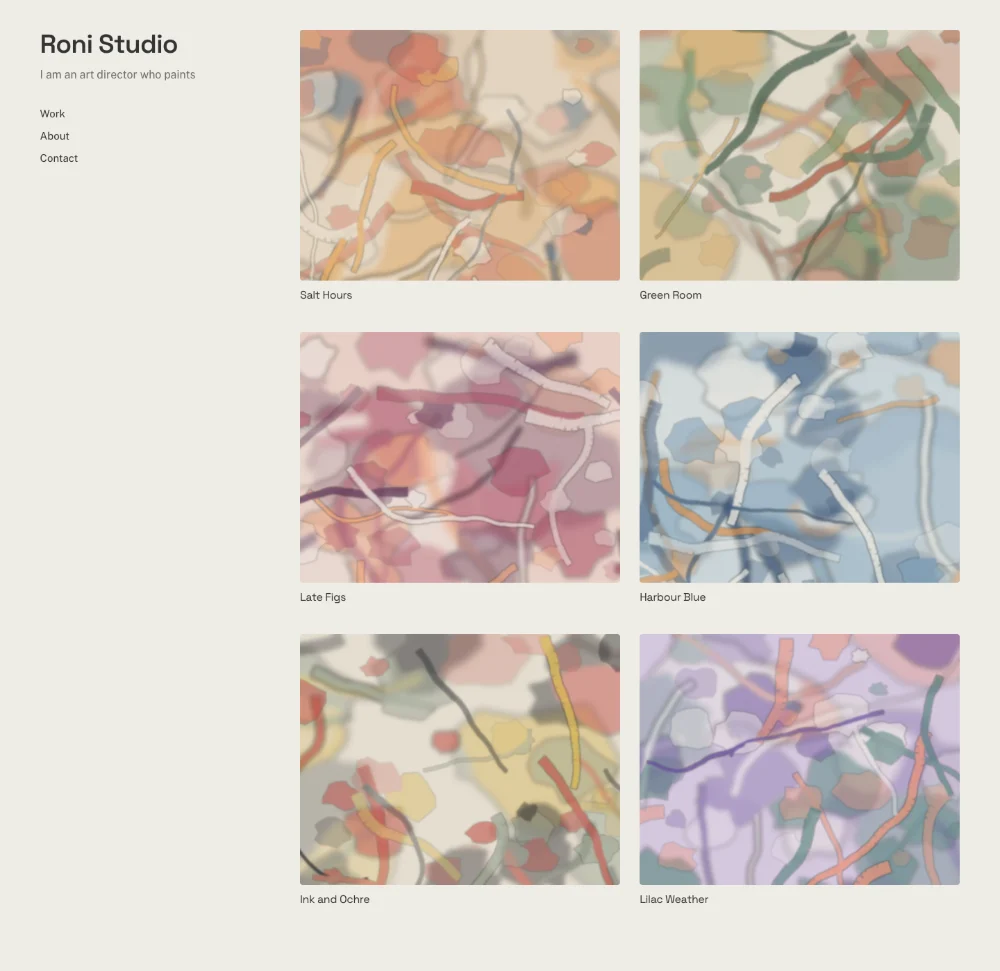
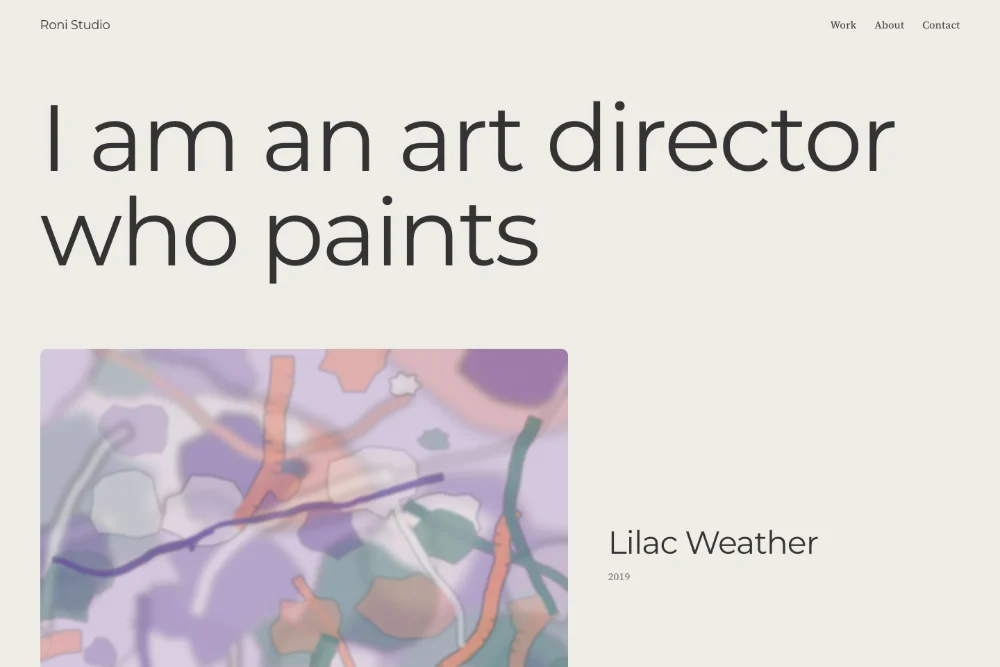
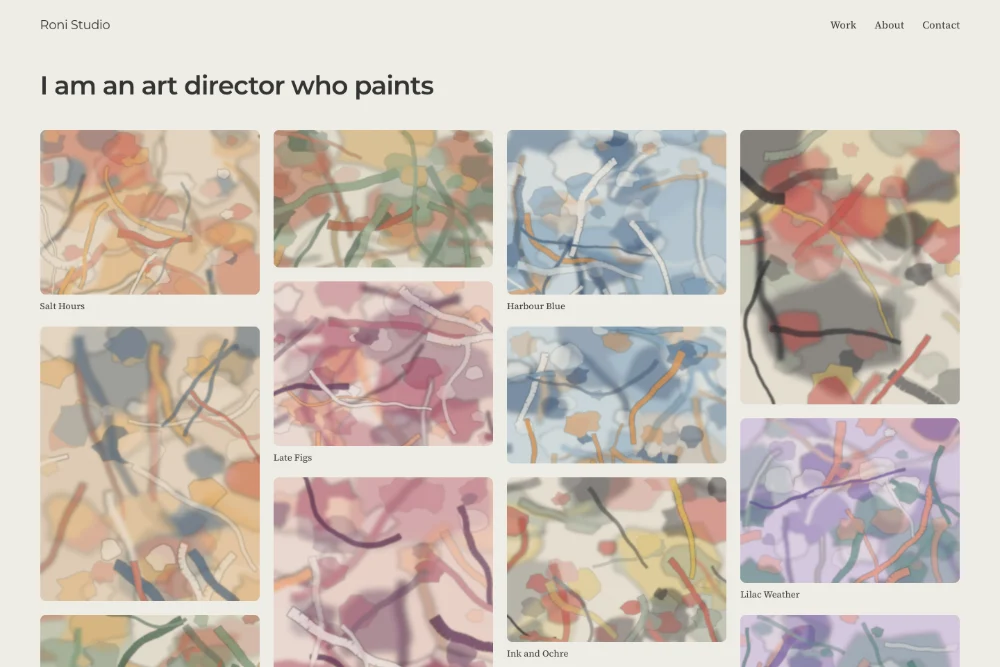
From a site you rent to a site you own.
Moving from another platform? How the move works →
Paste your link
Nothing to upload. We read the pages you already published.
See your site
Your home page with every project, and the inside page of three. Try another look, the colours and the order, free.
Make it yours
Pay $39 once, plus tax where it applies, then change anything with AI: in the studio with credits, whichever way you choose, and with Claude Code or Codex too (Take it with you).
What you take with you
One folder. Host it anywhere, keep it on your drive, change it with any AI tool.
Vibe code your own site.
The folder is ready for AI tools, with the Promtfolio skills inside. Open it, ask “what’s next?”, and take it from there.
Say it in plain words
“Make the accent a deep green.” “Move my new project to the top.” Then look at the change in a preview on your computer.
In the tool you like
Claude Code and Codex read the notes in your folder first, so they already know how your site is built. Any other AI tool can follow the same files.
New to all this?
Our Learning Center starts from zero: installing the app, choosing a plan, your first change. No code at any step. Start from zero →
The folder comes with Take it with you. Whichever way you choose, the studio has Change with AI too.
Starting from Instagram instead? Bring your Instagram export →
your-site
00-START-HERE.pdfThe first three steps. Opens on any computer.index.htmlYour home page. Opens in any browser.projects/Every project on its own page.assets/Your images and videos.README.mdWhat is in the folder, and where to start.AGENTS.mdWhat Claude Code or Codex reads first: how your site is built.CLAUDE.mdPoints Claude Code at the same notes.DEPLOY.mdPut it online on Netlify or Cloudflare Pages, by drag and drop.DOMAIN.mdConnect a domain of your own, and keep your email working..claude/skills/The Promtfolio skills your AI tool follows when you ask what's next._redirectsOld project links still land on the right page.
$39 once, and the site is yours.
Free to look
See your site rebuilt, before you pay anything: the whole home page with every project, and the inside page of three projects.
Own your site
- Every project opens. The ones with your own words become case studies, and the rest ask you for a few lines
- Your studio and 50 credits for AI edits, whichever way you choose
- Take it with you: the files, with a setup kit for Claude Code or Codex
- Go live with us: live in one click, on your own domain too
To change it with AI: in the studio with the included credits, or with Claude Code or Codex on your own account with them. Claude Code needs a paid Claude plan.
Credit packs
For more AI edits in the studio, whichever way you choose. Bought once, they never expire and never renew.
- 100 credits
- $19 + tax
- 300 credits
- $49 + tax
- 1,000 credits
- $129 + tax
Common questions
Is Promtfolio an AI portfolio builder?
It starts where builders don't: from the portfolio you already published. Paste the link and see it rebuilt as a site you own, free: the whole home page with every project, and the inside page of three projects. Owning it is $39 once, plus tax where it applies, with no subscription, and opens every project page. Once it's yours, change anything with AI.
Which platforms work today?
Adobe Portfolio and static portfolio sites from their link, and an Instagram export, the .zip Instagram sends you, on promtfolio.com/instagram. WordPress works when each project has its own page; blog style sites and WordPress.com sites are not supported yet. Wix, Squarespace and Behance are not supported yet. Paste your link anyway: if it can't be rebuilt yet, leave your email and we'll write when it can.
Is there a subscription?
No. Own your site is $39 once per site, plus tax where it applies. Credit packs are one time purchases too (100 for $19, 300 for $49, 1,000 for $129, plus tax where it applies), they never renew and never expire. Hosting costs $0, and the only yearly cost there can be is a domain of your own, which is optional. To change it with AI: in the studio with the included credits, or with Claude Code or Codex on your own account with them. Claude Code needs a paid Claude plan.
What do credits pay for?
AI edits in the studio, which comes with both ways to use your site: a change asked for in chat, rewriting a project into a case study, restyling the site, a custom layout. Every site comes with 50 credits. With Take it with you you can also change the files with Claude Code or Codex, on your own account with them, and that uses no credits. Looking at your site before you pay is free.
Can I add new case studies later, with Claude?
Yes, and each one is a request away. The folder you download comes with the Promtfolio skills, which Claude Code picks up on its own: extract-from-claude-history pulls a case study out of your past Claude conversations about a project, extract-case-study does the same from files, screenshots or notes, and build-portfolio-page turns it into a page in the style of your site. Then you upload the folder to your host. In the studio, whichever way you choose, Change with AI rewrites a project into a case study, with credits.
Can I bring in work from Figma, Procreate or Photoshop?
Yes, as the files those tools export. In the folder you download, put the exports in assets/ and ask Claude Code or Codex for a case study: extract-case-study works from images, and if you have connected Figma's official MCP server, it reads your frames from a link and saves them to the folder. A Procreate time-lapse can go on the page as a video. In the studio, whichever way you choose, a public Figma link becomes a project with the live file, you can click any image to replace it with a JPEG, PNG, WebP or GIF, and a PDF of a project becomes a new project page with its text and its pictures: the photos or screenshots inside it, and each page drawn as vector art, like most Figma or Canva frames, as a picture of the whole page.
Is my work used to train AI?
No. The AI that reads your site and writes for it is Anthropic's, used through its API, and Anthropic's commercial terms say it may not train models on what we send it. Promtfolio does not train any model either.
Do I need to know code?
No, at no stage. You see your site by pasting a link, and you own it with one payment. To change it, you say what you want in plain words. To put it online, you publish through Promtfolio in one click, or drag the folder onto a hosting page. If you have not used Claude Code or Codex before, expect some setup before your first change: installing the app and signing in. That is setup, not code. The Start Here file in your download and the Learning Center take you through it step by step. If you already work with one of them, open the folder and start.
Will I keep my domain?
Yes. The download includes a step by step guide for pointing the domain you own at the new site, and a redirect file that sends your old project addresses to the new pages, so links people already found keep working. With Go live with us, the Go live screen shows each record to copy, step by step. Email at your domain keeps working as long as its MX records, the ones that point to your email, stay as they are. The guide says which records to change and which to leave.
Moving off Adobe Portfolio? Everything specific to Adobe →